Choosing VR Headsets for a Commercial Arcade (2026 Buyer's Guide)
Standalone vs PCVR, durability, hygiene, fleet management and licensing — what actually matters when headsets face 40 guests a day, and what to budget.
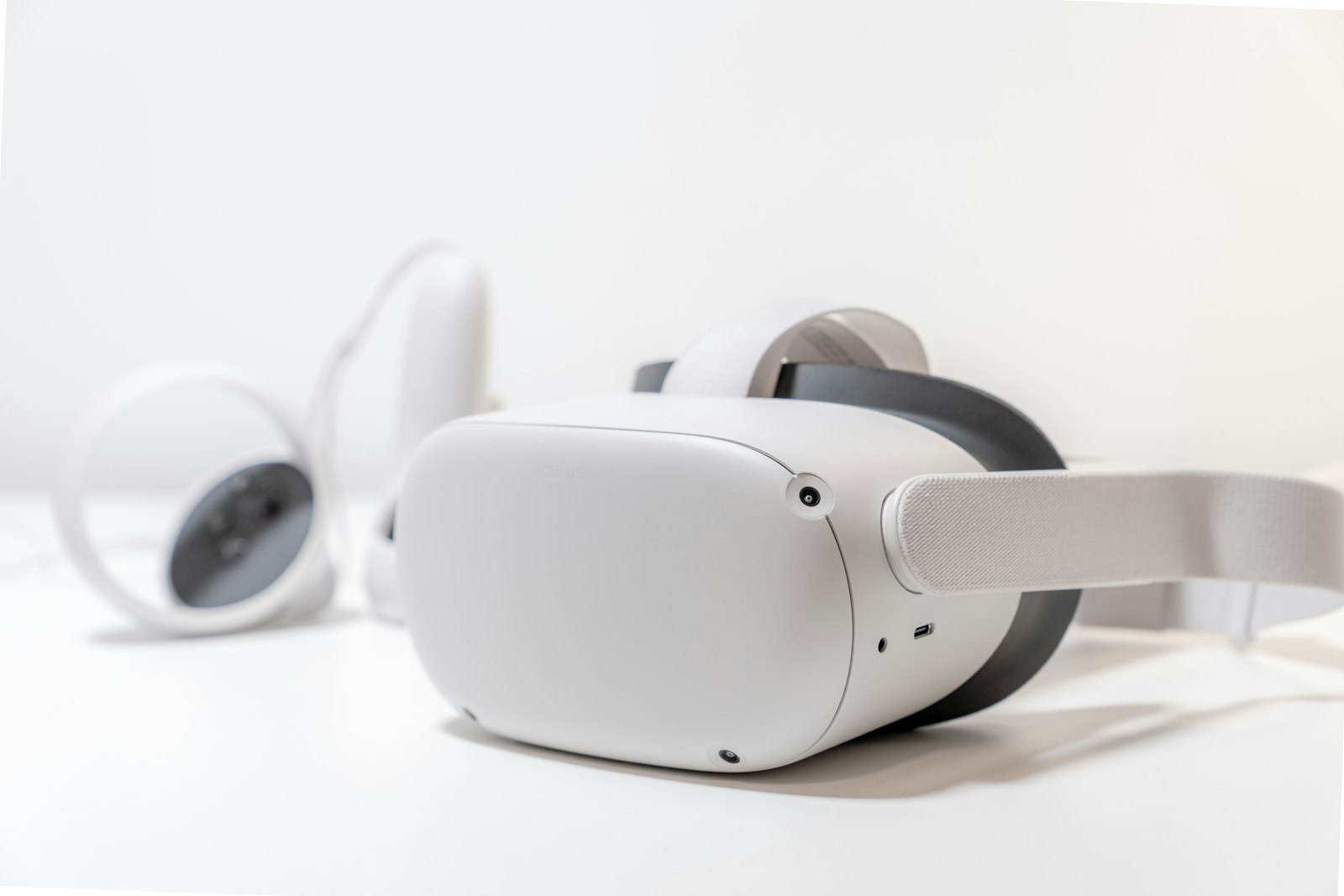
Consumer headset reviews are useless for arcade buying. A device that's perfect for a living room can be wrong for a venue where it gets strapped onto forty sweaty strangers a day, dropped twice a week, and needs to survive three years of that. Here's the commercial lens.
Standalone vs PCVR vs backpack
Standalone (all-in-one, no PC) is now the default for most new venues: no tether, no PC fleet to maintain, lower cost per station, and modern chips run commercial free-roam content well. Weaknesses: peak visual fidelity and heavy simulation titles.
PCVR (headset tethered or wirelessly linked to a gaming PC) still wins for high-end sims (racing, flight) and graphically heavy booth experiences. You're maintaining PCs — budget the time and the spares.
Backpack PCVR for free-roam is fading: standalone tracking and processing have eaten most of its advantage, and backpacks are your highest-maintenance, highest-weight item. New builds should need a strong reason to choose them.
Most hybrid venues land on: standalone fleet for free-roam and general booths, 2–4 PCVR stations for sims. (Business-model comparison: free-roam vs booth.)
What actually matters at 40 guests/day
Rank criteria in this order:
- Hygiene workflow. Can the facial interface be wiped in 10 seconds or swapped entirely? Silicone/PU faceplates and swappable gaskets beat foam by miles. This single spec drives your turnover time.
- Strap durability & adjustability. Ratchet halo straps survive; velcro dies in months. Guests from age 8 to 68 must self-fit fast.
- Battery & charging logistics. Hot-swappable batteries or enough units to rotate through charging docks. Map your busiest 4-hour block: every session needs a charged headset plus margin.
- Fleet management. Commercial device management (kiosk-locking the headset into your launcher, remote updates, telemetry) is the difference between "restart station 4 again" and a fleet you administer from a laptop.
- Fit over spec-sheet resolution. Guests remember comfort and clarity, not pixel counts.
Licensing is part of the hardware decision
Your headset choice constrains your content catalogue. Before committing to a platform, confirm your target titles offer commercial licences on it — flat-fee, per-station monthly, or rev-share. Running consumer store copies commercially is licence violation; publishers do enforce, and rebuilding your catalogue on new hardware later is expensive. Budget content honestly: $5k–60k/year depending on model.
Fleet sizing and spares
Buy capacity + 15–20% spares. An 8-player arena needs 10 headsets minimum; a dead unit on Saturday with no spare is refunded sessions and a bad review. Standardize on one model per role — mixed fleets multiply your cable, battery, gasket and training SKUs.
Track per-unit health: batteries degrade, lenses scratch, straps loosen. A simple numbering system + a weekly 10-minute inspection catches failures before guests do.
Total cost of ownership (the honest math)
Per standalone station over 3 years: device ($400–1,100) + spare gaskets/straps/batteries (~$150) + replacement risk (~20%) + charging infrastructure. Call it $700–1,600 per station over three years — which is why hardware is rarely the make-or-break line. Utilization is. A headset earning $35/player across well-filled sessions repays itself in weeks; the expensive headset is the one sitting idle on a Tuesday.
Hardware runs the experience; software fills it. See how sessions, games and headset-count planning fit together in the operator console or the live demo.